
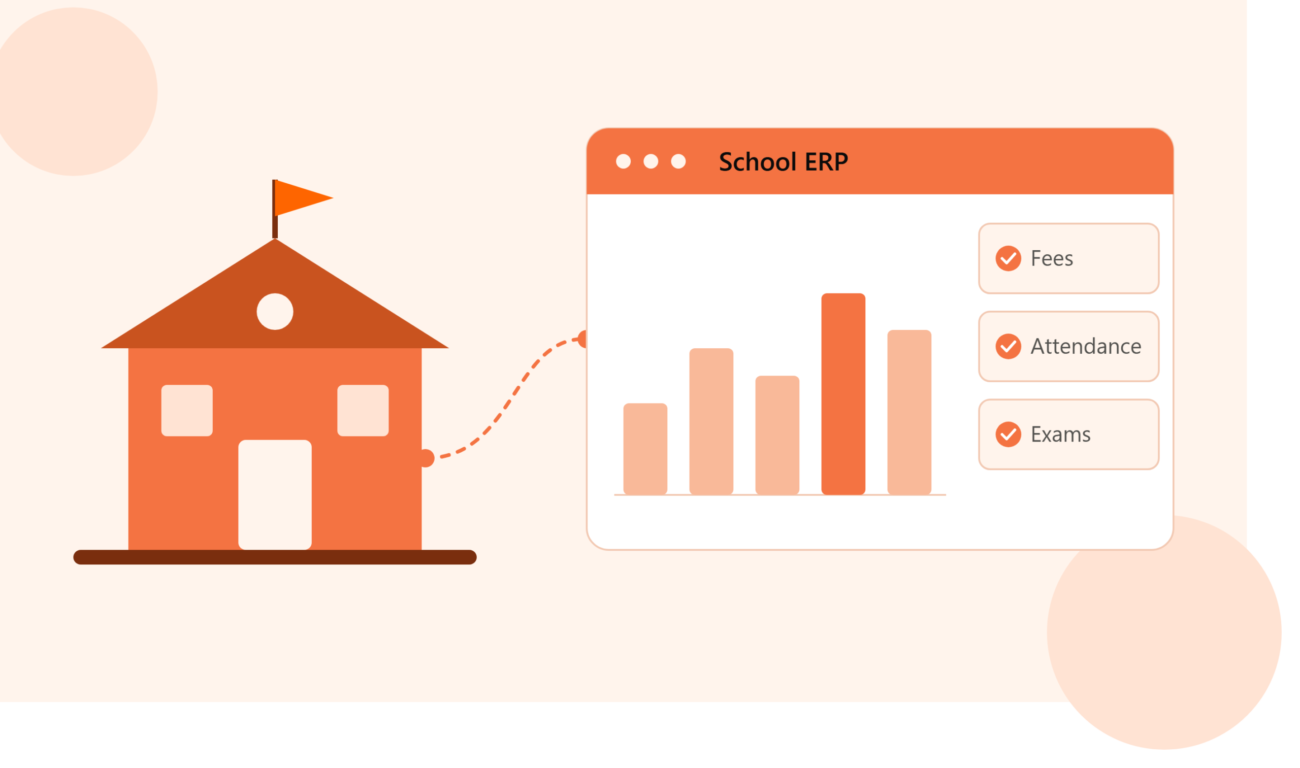
School management software runs the everyday administration of a school in one system. It keeps student records, tracks attendance, builds timetables, manages fees, produces report cards, and shares updates with parents and staff. Its main job is to replace scattered spreadsheets and paper registers with a single, reliable source of information.
What school management software does in practice
Most platforms cover the same core tasks. The details differ by vendor, but the day-to-day work looks much the same.
Student records and admissions
The software keeps one profile for each student, including enrollment history, guardian contacts, medical notes that staff need to see, and uploaded documents such as birth certificates. When a student transfers in, staff add the record once instead of re-entering it in several places.
Attendance and absence alerts
Teachers mark attendance on a computer or tablet during class. Administrators see daily totals right away, and parents can receive an absence notice the same morning rather than days later. Over time, attendance records also show patterns, such as a student who is consistently absent on Mondays.
Timetables and staff scheduling
The system builds class schedules around teacher availability, rooms, and subjects. When a teacher is absent, staff assign a substitute and update every affected class without redrawing the whole timetable by hand.
Grades, exams, and report cards
Teachers enter marks into a gradebook that follows the school’s assessment structure. The software calculates totals, applies grading rules, and generates report cards in a consistent format. Principals can compare results across classes because every class uses the same data.
Fees and payments
Finance staff set fee structures by grade or program, issue invoices, record payments, and send reminders for outstanding balances. Clear receipts and a payment history reduce disputes with families. Many systems connect to payment gateways, so families can pay online.
Communication with parents and staff
Notices, event calendars, and messages reach the right audience. A parent of a Grade 4 student sees Grade 4 notices, while a teacher sees only the classes they teach. Some schools also offer a mobile app so parents can check attendance, grades, and fee balances.
Before and after: manual work compared with a school system
The table shows how common tasks change when a school moves from paper and spreadsheets to dedicated software.
| Task | Typical manual approach | With school management software |
|---|---|---|
| Taking attendance | Paper register, copied into a spreadsheet later | Entered in class, totals available immediately |
| Sending absence notices | Phone calls or letters, often delayed | Automated alerts from the day’s attendance |
| Updating a timetable | Redrawn by hand when a teacher is absent | Substitutions assigned and shared in one step |
| Producing report cards | Marks copied between files and checked by hand | Generated from the gradebook using set rules |
| Tracking fees | Separate ledger, reconciled at month end | Invoices, payments, and balances in one view |
| Transferring a student | Records printed, copied, and refiled | Profile moved or updated once |
A typical school day with the software
At 8:00, the homeroom teacher opens attendance on a tablet and marks absences in a few taps. By 8:15, the office sees the day’s total and sends absence alerts to the parents of students who are not in class. Later that morning, a teacher who is out sick is marked absent, and the vice principal assigns a substitute from the same screen. The timetable updates for every affected class at once. In the afternoon, the finance officer reviews payments that came through the parent portal and sends reminders for two outstanding invoices. None of this needs a phone call, a paper form, or a second copy of the data.
Who benefits from it
Each group uses the system differently:
- Administrators get reports on attendance, enrollment, and finances without assembling data from several sources.
- Teachers spend less time on registers and clerical work and more on planning and instruction.
- Finance staff see who has paid, who owes, and why, which shortens the month-end close.
- Parents receive timely information about attendance, grades, and fees instead of waiting for a term-end letter.
- Students benefit indirectly, because staff have more time for support and records are more accurate.
What the software won’t fix on its own
Software amplifies the processes behind it. Several limits are worth knowing before you buy:
- Messy data stays messy: Duplicate student records and inconsistent class names carry over unless you clean them first.
- Staff need training: The system saves time only when teachers and office staff use it consistently.
- Unclear processes get digitized: If attendance rules are vague, the software records vague data faster.
- Access needs careful setup: Role-based permissions keep staff from seeing records they don’t need.
Schools handling student data should also check the rules that apply to them, such as FERPA in the United States, GDPR in the European Union, or the Digital Personal Data Protection Act in India. For background on protecting student information, read student data privacy basics.
How to tell what your school needs
Before you compare school management software, list the tasks that take the most staff time each week. Then check each vendor against that list:
- Does it handle your top three tasks without custom work?
- Can teachers use it on a phone or tablet during class?
- Can parents use it in the language they speak at home?
- Does it export your data in a standard format if you change systems?
- Is support available during your school hours?
- What does migration involve, and who does the work?
Start with one task
Pick the task that causes the most frustration, such as attendance or fee collection, and test it with a vendor using your own records. A trial with real data shows how the software fits your school far better than a polished demo. Once that task runs smoothly, move on to the next one.
